To use the firmware library, navigate within the application:
“Tools → DJI Firmware Library”
“Tools → DJI Firmware Library”
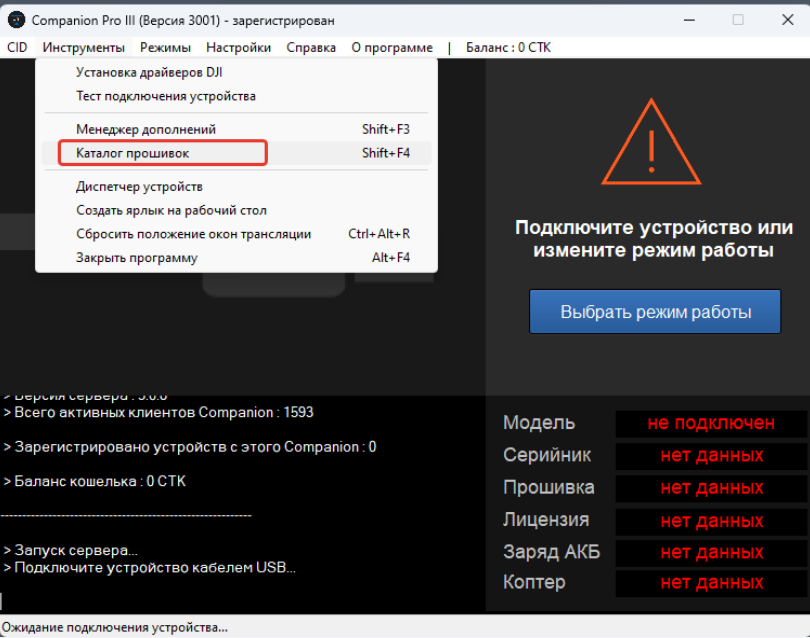
“Tools” menu
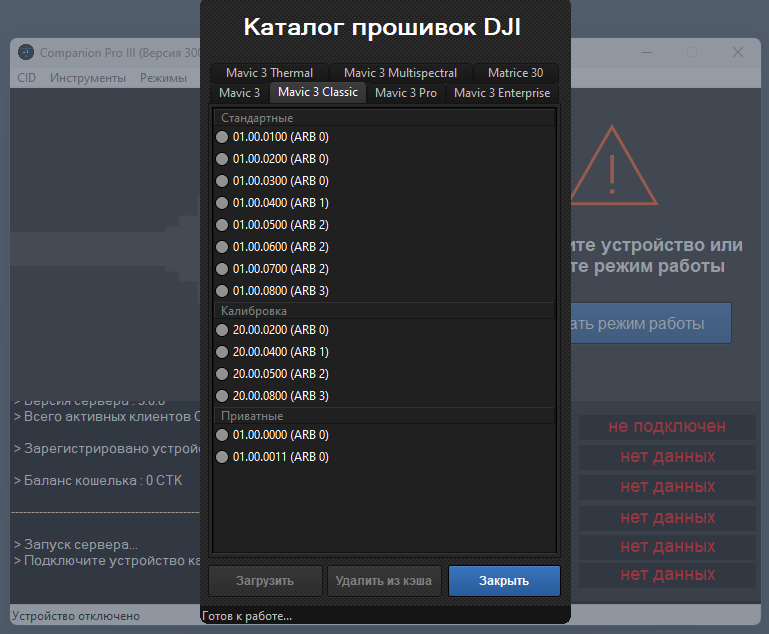
After selecting your drone model, the available firmware versions will be displayed in categorized groups. Select the required firmware and click the Download button.
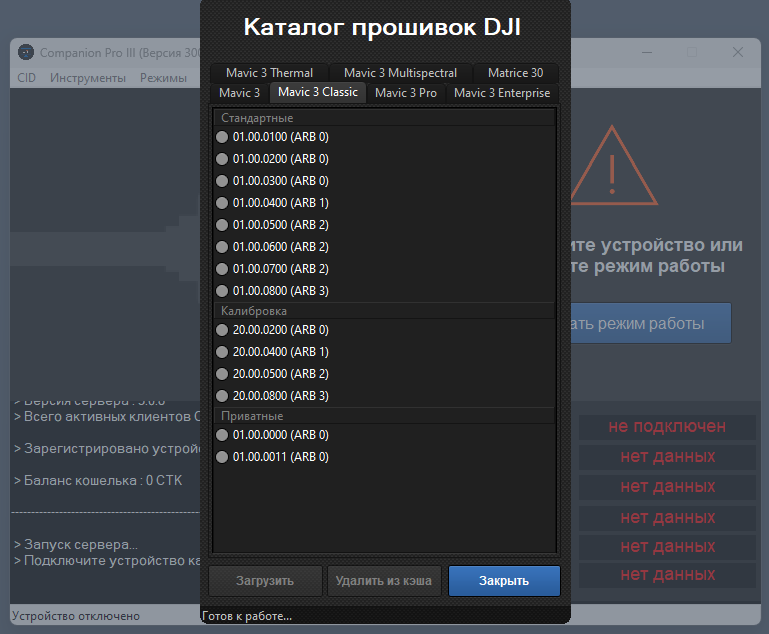
Firmware download process
Once the download is complete, proceed by clicking the Upload button.
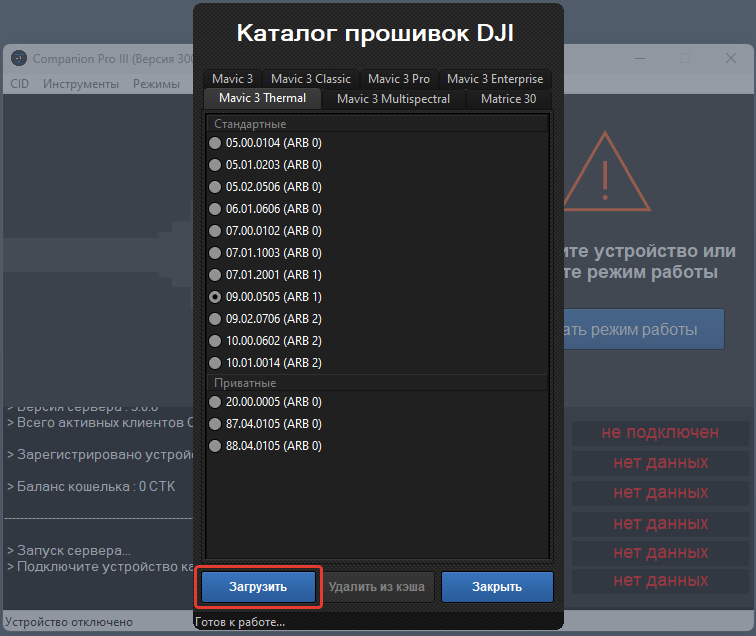
This will launch the FDU firmware utility.
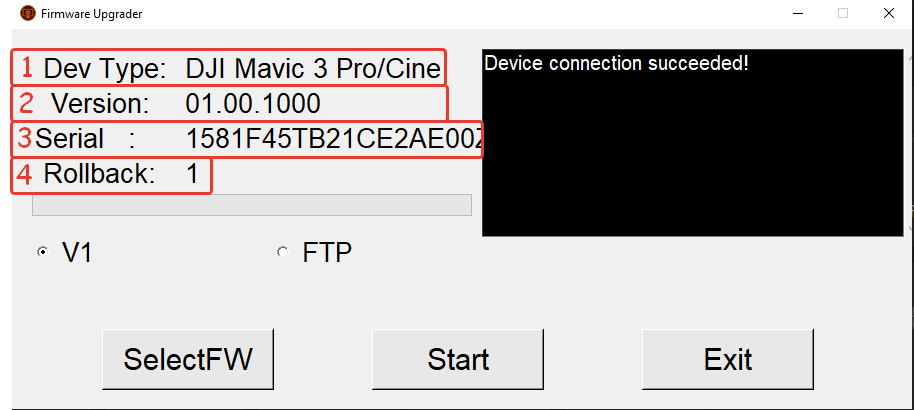
- Drone model
- Current firmware version
- Serial number
- Current ARB version
To begin the flashing process, click the “Start” button (no additional actions are required).
Before proceeding, verify that the program has successfully recognized the drone and is displaying its correct information.