Installation Requirements and Preparation
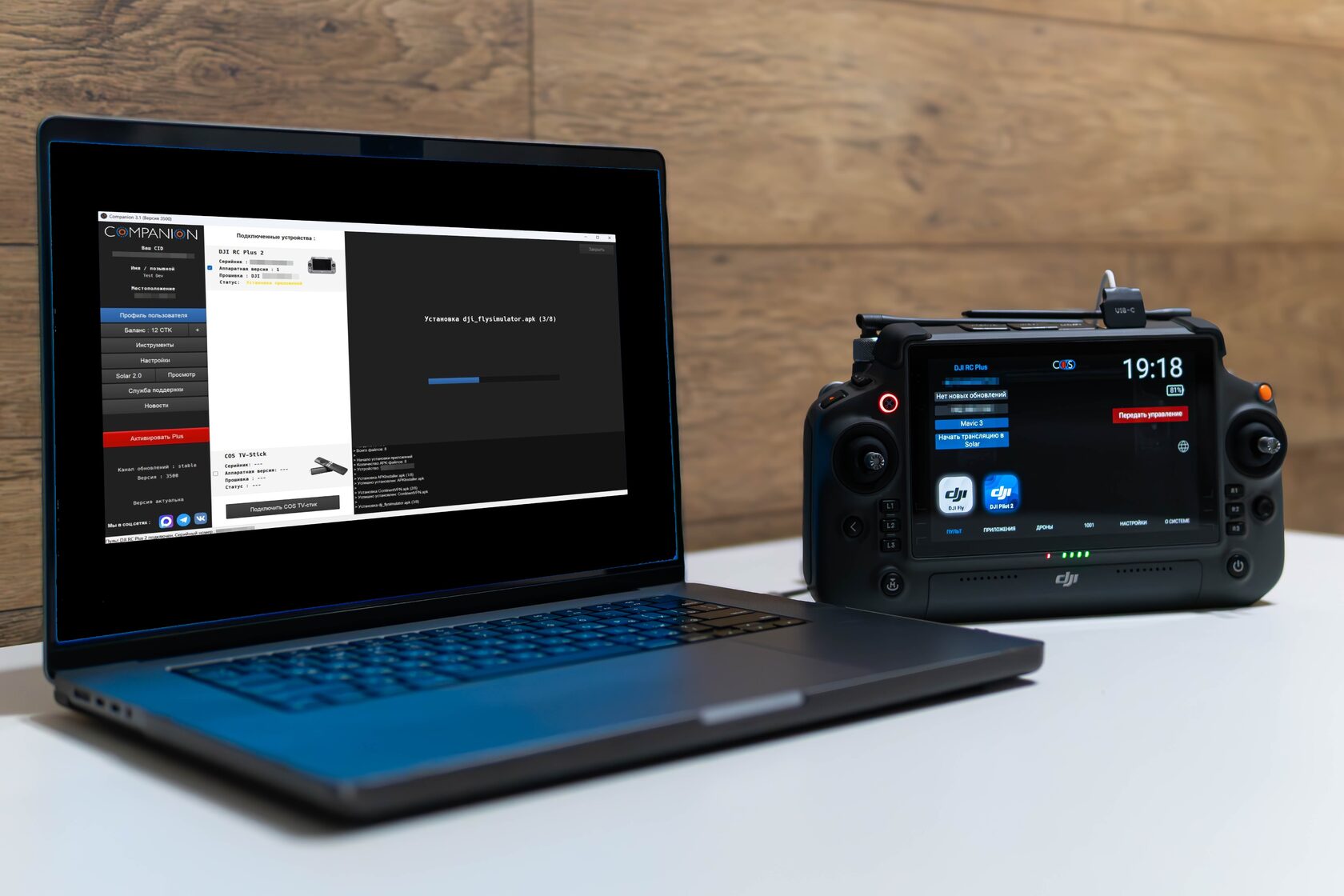
Deployment of the product onto your device is available via two methods: by using the Companion software or with the assistance of a remote specialist.
For a self-installation, the following prerequisites must be met:
- A system running a genuine version of Windows 10 or 11 (custom builds are not supported). Minimum specifications include 4 GB of RAM and sufficient free disk space: 30 GB for installation and an additional 15 GB for operation.
- A stable Internet connection with a minimum speed of 10 Mbps.
- Windows User Account Control (UAC) must be active.
- The Companion program.
- A Type-C cable for connecting the device to the PC.
Methods of implementation
Two primary avenues exist for utilizing our solutions:
- Partner Service Centers: Professional installation is available at authorized partner locations. These can be located in the bot under the section "Service Centers".
- Self-Installation: Independent deployment using the Companion software.
The access procedure for the Companion software and related project services has been updated.
Account categories:
- Reader – automatically assigned after joining the official project channels @cos_community and @cos_project. This status grants access to community content but does not permit software downloads or access to most automated bot features.
- User – automatically activated upon purchasing CTK tokens. This category grants the ability to download Companion software and other products at standard pricing, and includes access to the Solar service.
- Special (SWO/partners) – assigned following successful identity or business verification. This tier provides unrestricted access to all bot sections with applicable partnership discounts, along with full access to the Solar service.
Self-installation Guide:
- Documented proof of purchase or an invitation from an existing user is required. Legal entities must submit a completed company request form.
- Download the Companion client via the bot.
- If antivirus or security software is active (e.g., Kaspersky, Avast), it must be disabled, removed, or configured with appropriate exceptions.
- Register the Companion installation by sending the program's CID to the bot. A valid Telegram account, linked to the CID, and subscription to the official channels are mandatory.
- Purchase the required CTK tokens for the controller model in the bot (1 CTK for DJI RC; 2 CTK for Smart Controller, RC Pro (Ent), RC Plus). The Companion balance is updated automatically after payment.
- Before using Companion, it is recommended to watch the video tutorials and read the instructions in the knowledge base.
Important notes:
- Software is distributed exclusively through official channels and resources.
- Account status and associated CIDs are subject to automatic removal following 60 days of account inactivity. User membership in community groups and token balances are preserved.
- Certificates for the Solar streaming service are attached to the specific remote controller and expire automatically after 30 days of service inactivity.
- The Companion software registration is a one-time process per device. Transferring the license to a different computer is permitted once per 30-day period.
Additional installation requirements
- RM500 (Smart Controller): official firmware version 01.01.0064 / 01.01.0072 / 01.01.0076
- RM330 (DJI RC): official firmware version 01.03.0100 or earlier
- RM510 / RM510B (DJI RC Pro / RC Pro Enterprise / Enterprise V2): all official firmware versions are supported.
- RM700 (DJI RC Plus): all official firmware versions are supported.