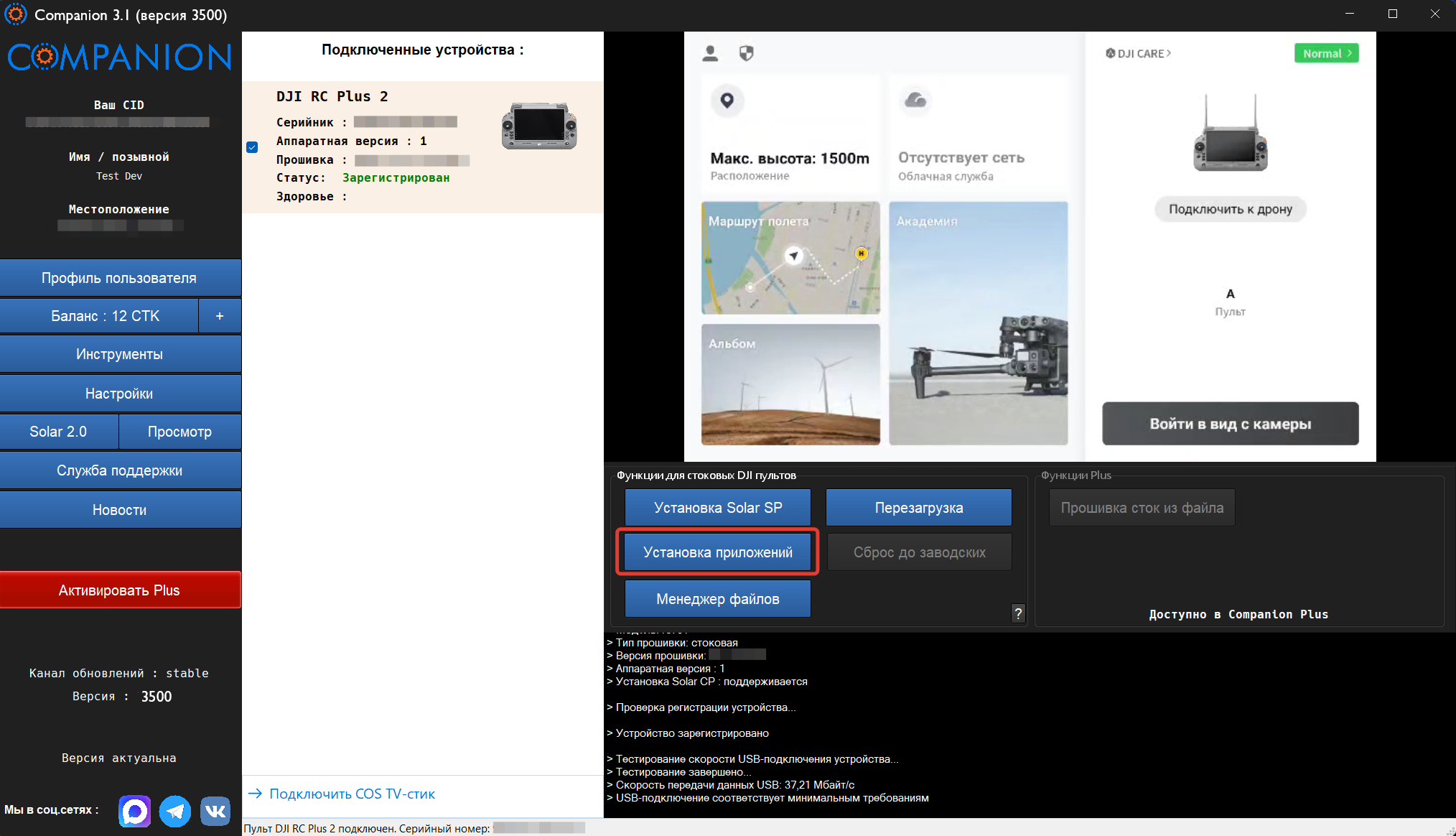
To install applications, open the main Companion window and click "Install Applications".
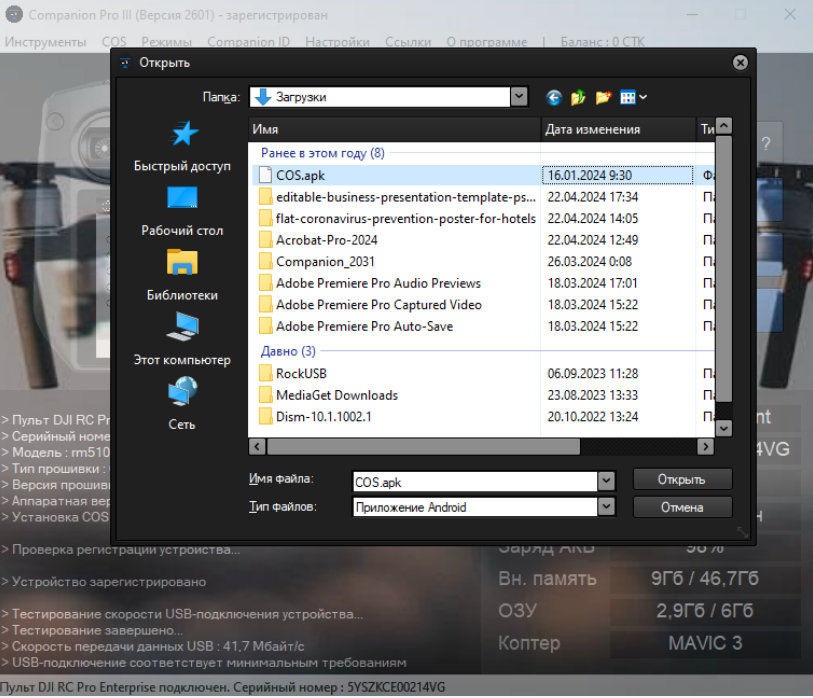
Select to install from either the COS catalog or an APK file.

If installing from an APK, locate and open the file using the file picker.
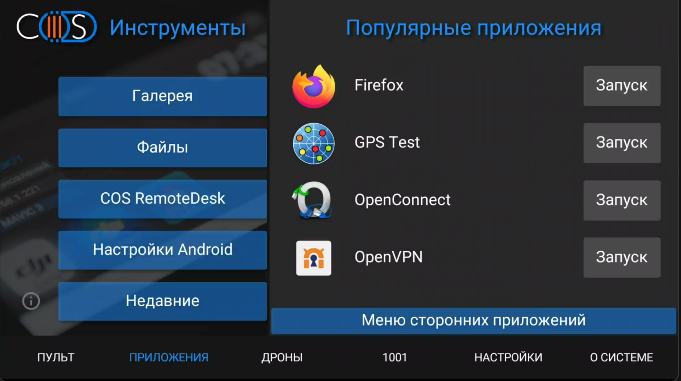
Once installed, the application will be available in the Applications menu.