Download the installation files from the designated bot.
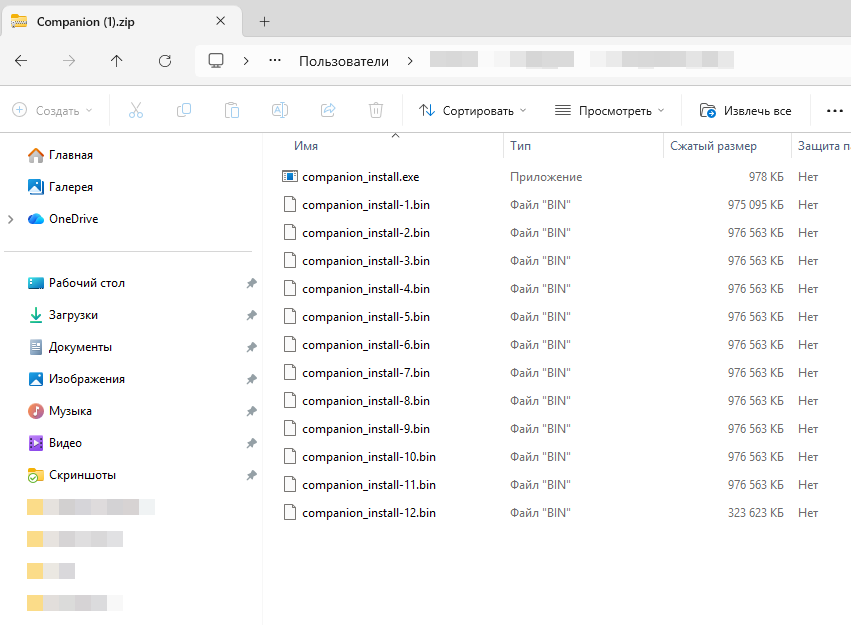
The software is provided as a ZIP archive.
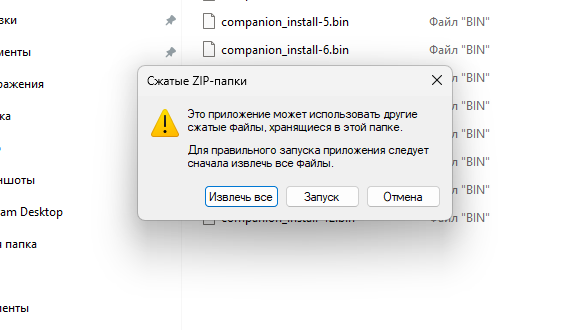
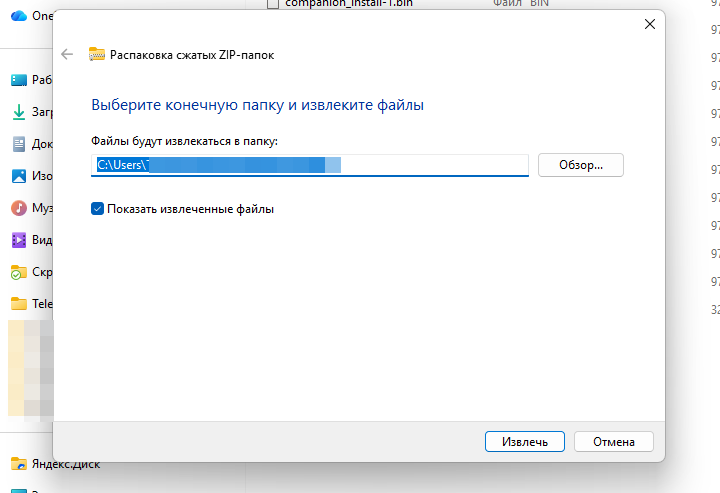
Extract all files by selecting “Extract All” in the dialog that appears. Specify the destination folder and proceed with extraction.
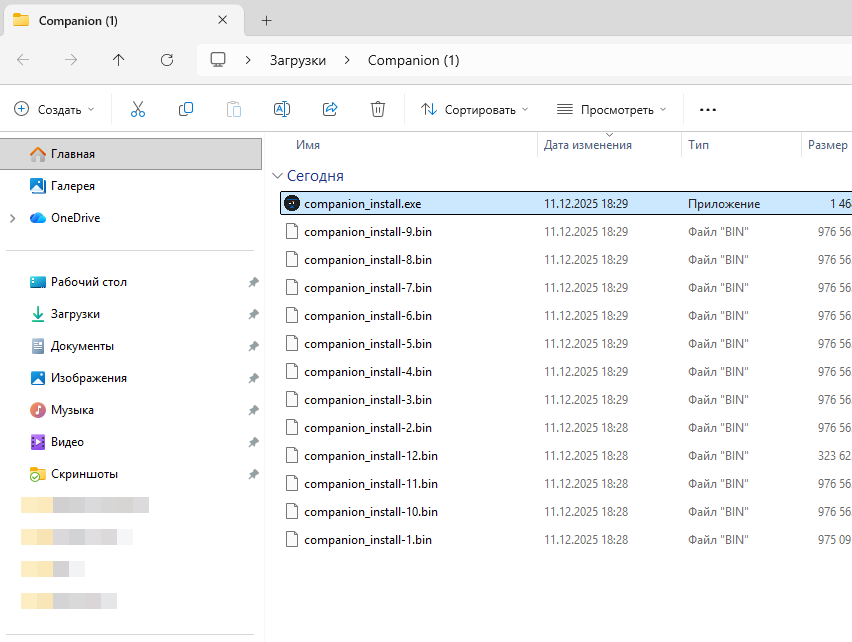
Verify that all required installation files are present in the target directory.
To install, run Companion.exe and follow the on-screen setup instructions.
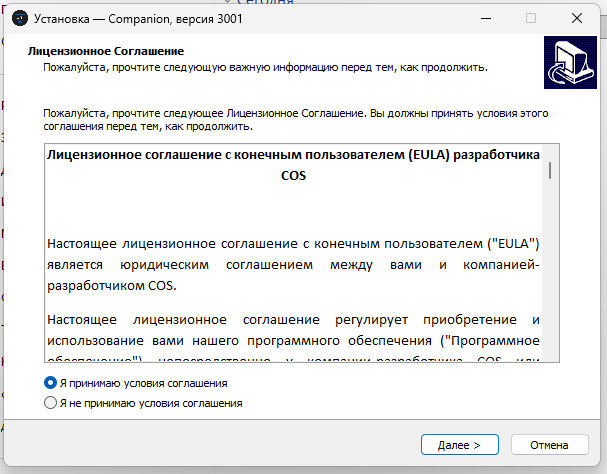
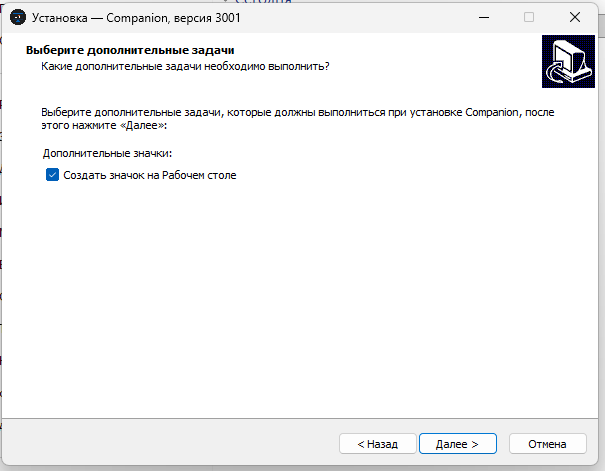
Enable the option to create a desktop shortcut.
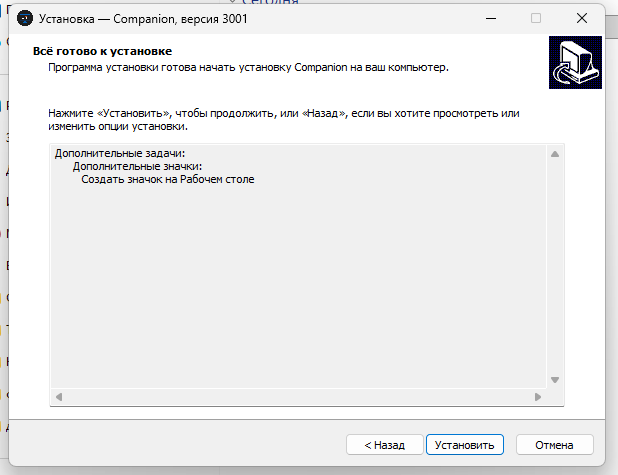
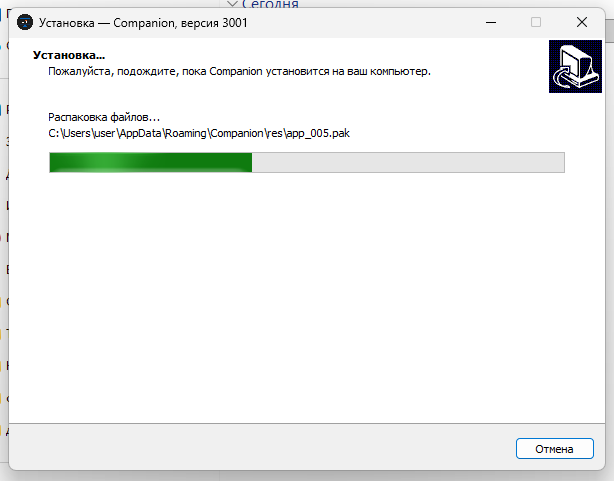
Click Install and allow the installation process to complete.
ImportantNote: Each instance of the software is assigned a unique hardware identifier CID. To activate the software, the CID registration request must be submitted via the Telegram bot: @circle_os_store_bot.