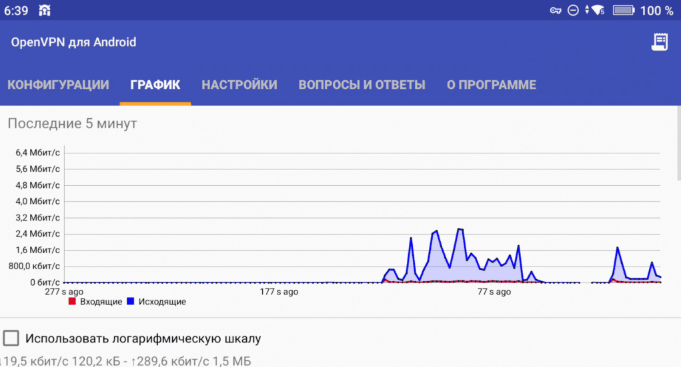
To utilize the VPN download the OpenVPN application. This application is included in the ONE firmware versions 3.1 / 4.0, eliminating the need for a separate installation. The next step is to import the connection profile that was previously sent to you by using the import function. The next step is to import the connection profile that was previously sent to you by using the import function.
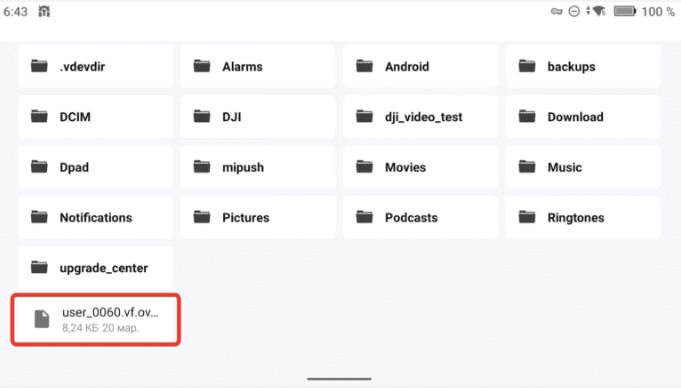
Prior to this, transfer the profile to the remote control or another Android device using a method such as Windows File Explorer.
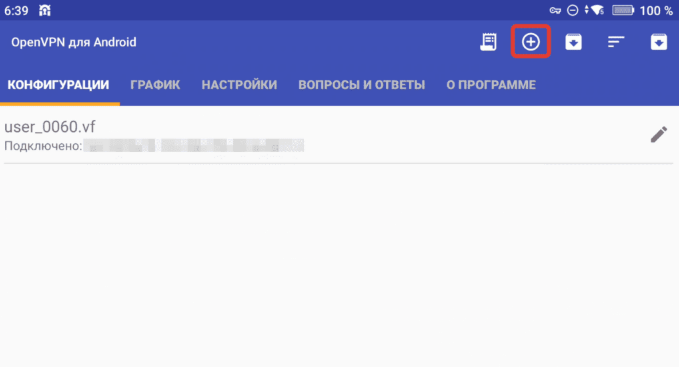
Within the application, tap the “+” button to add a profile
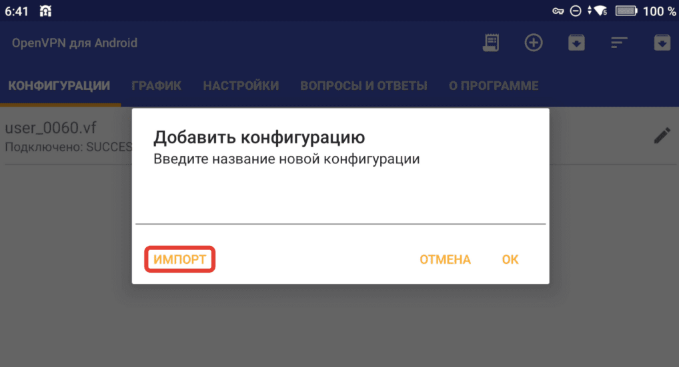
In the dialog window that opens, select “Import” and choose the certificate file.
Finalize the import by tapping the yellow Save icon.
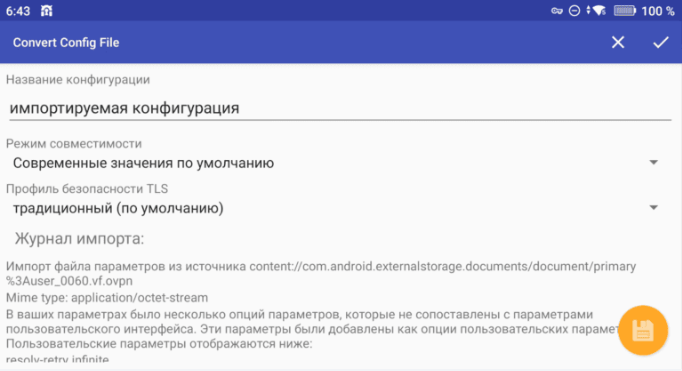
Following this, navigate to the Settings tab.
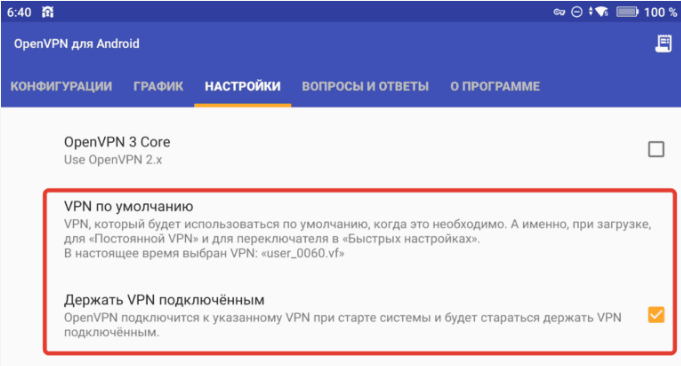
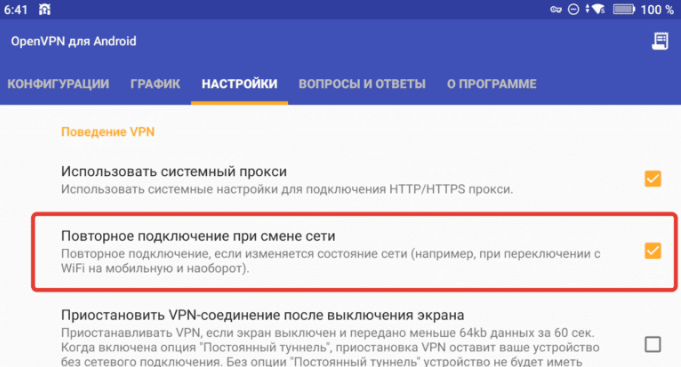
Verify that the imported certificate is set as the default connection and that all configuration options match the parameters displayed in the reference screenshots.
To acquire a streaming certificate, a request can be submitted through the designated bot.