WARNING! The controller must be activated before proceeding with the firmware installation.
Video guide
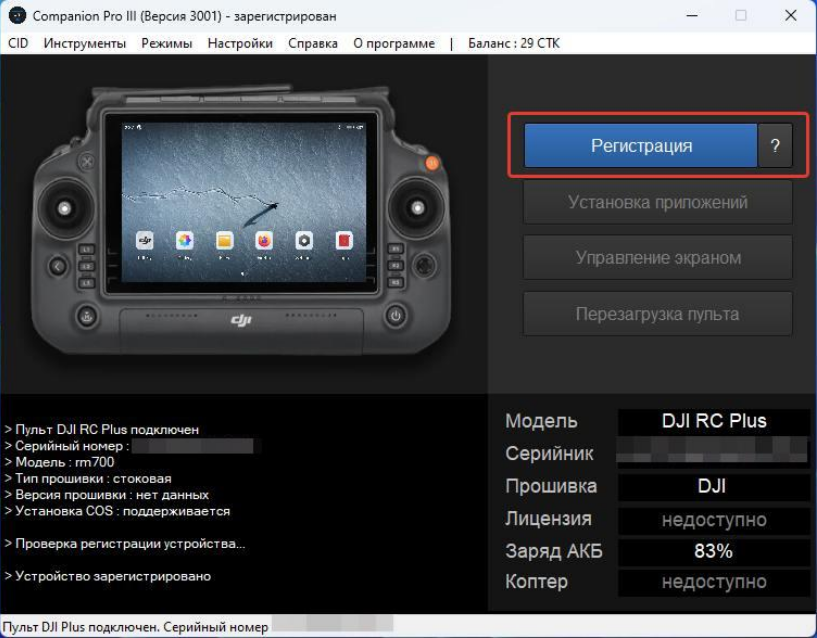
Purchase 2 CTK via our bot @circle_os_store_bot — the balance will update automatically. Connect the controller to your PC (ensure the battery is at 100%). After it powers on, wait about 1 minute, then click the “Register” button.
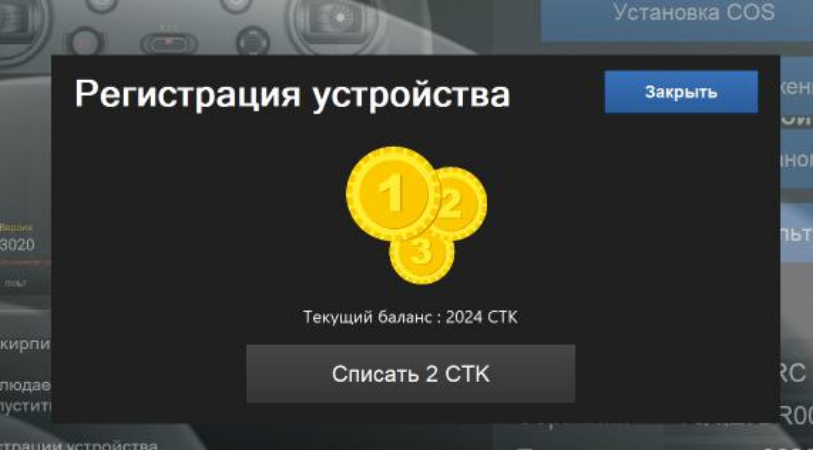
Deduct 2 CTK to register the controller.
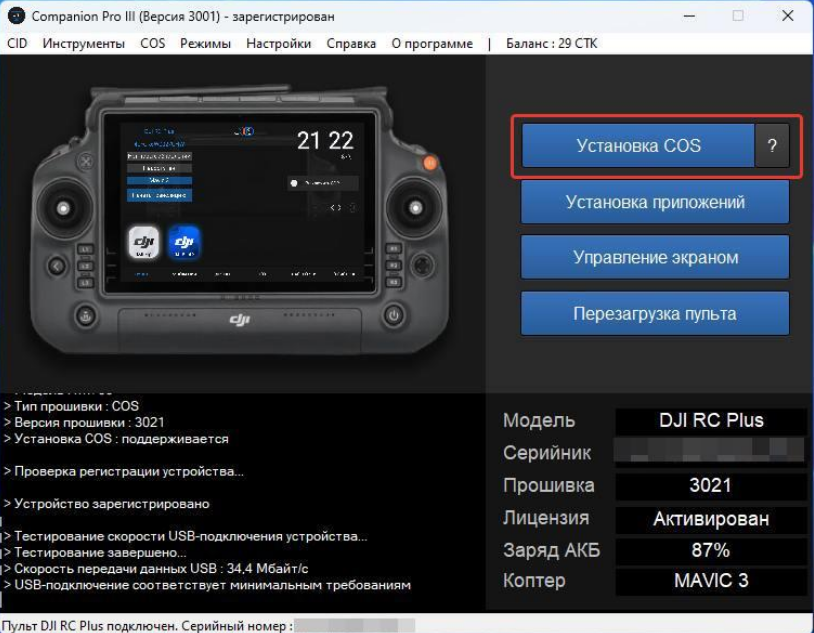
In the Companion window, click “Install/Update.”
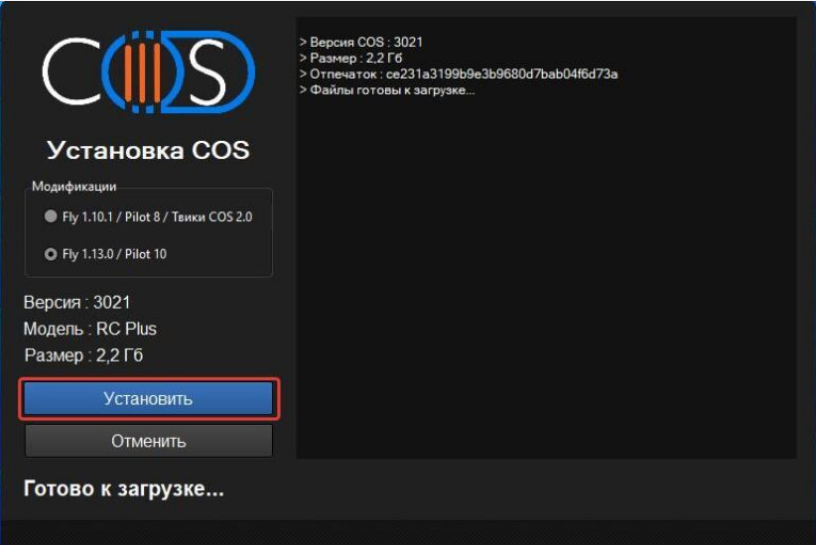
The installation window will appear. Starting with Companion version 3000, select the modification:
- Fly 1.13.0 / Pilot 10 — main version of ONE application
- Fly 1.10.1 / Pilot 8 / ONE 2.0 tweaks — older application versions and tweaks from ONE 2.0
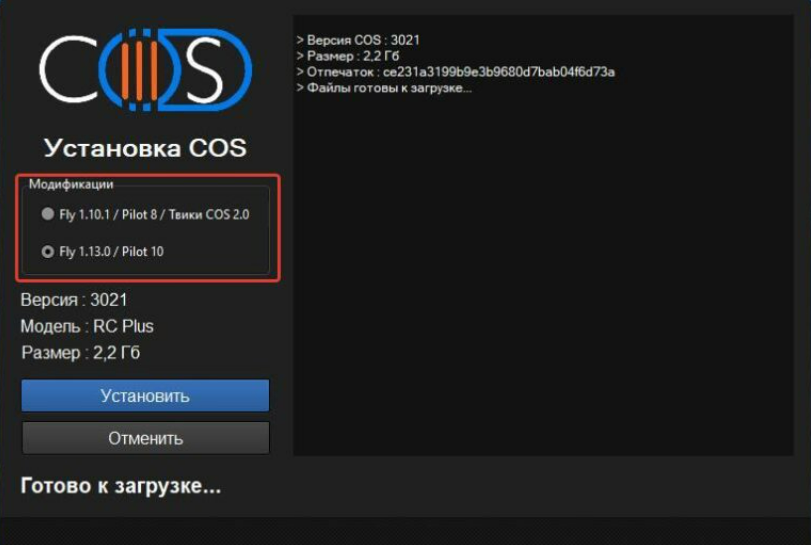
After that, click “Install” and wait for the installation to complete.
Once finished, the installation will continue on the controller itself.
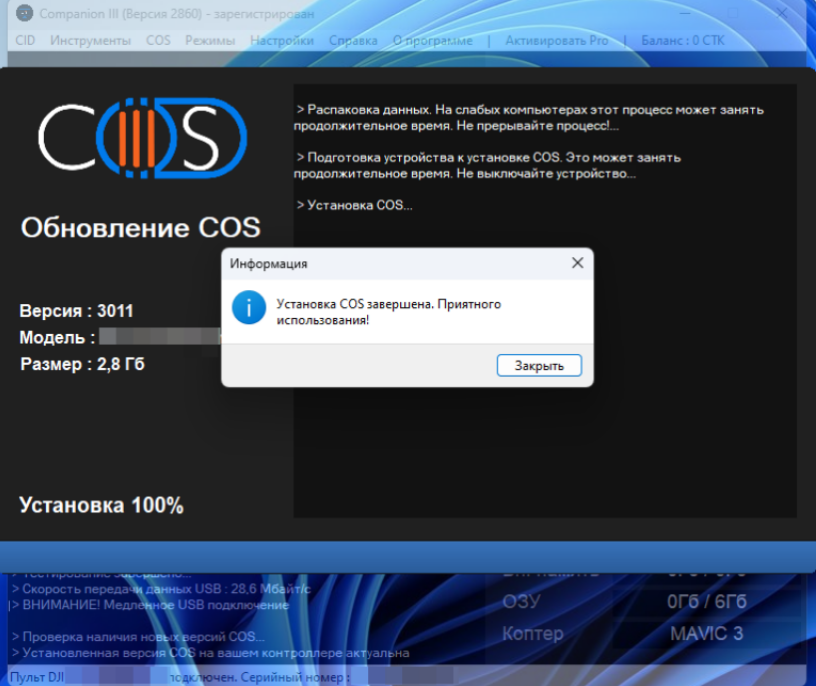
NOTE: The controller will restart during installation. Overall speed depends on your PC and internet connection.
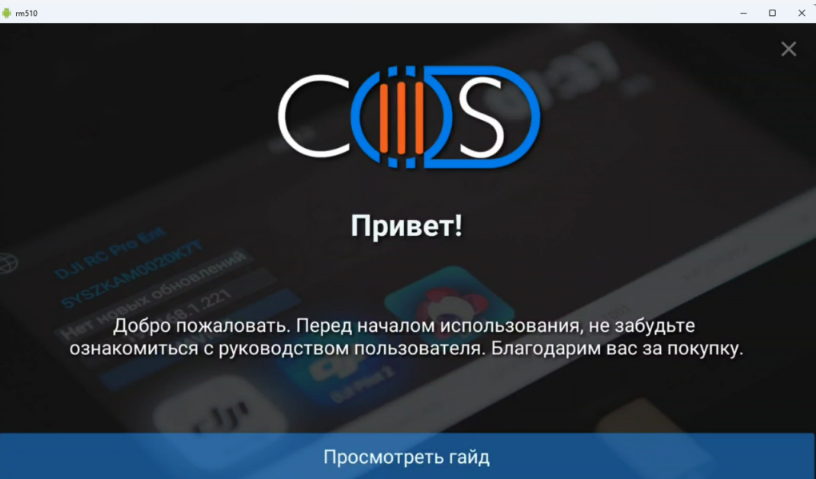
Installation is now complete. You can begin using the ONE system!