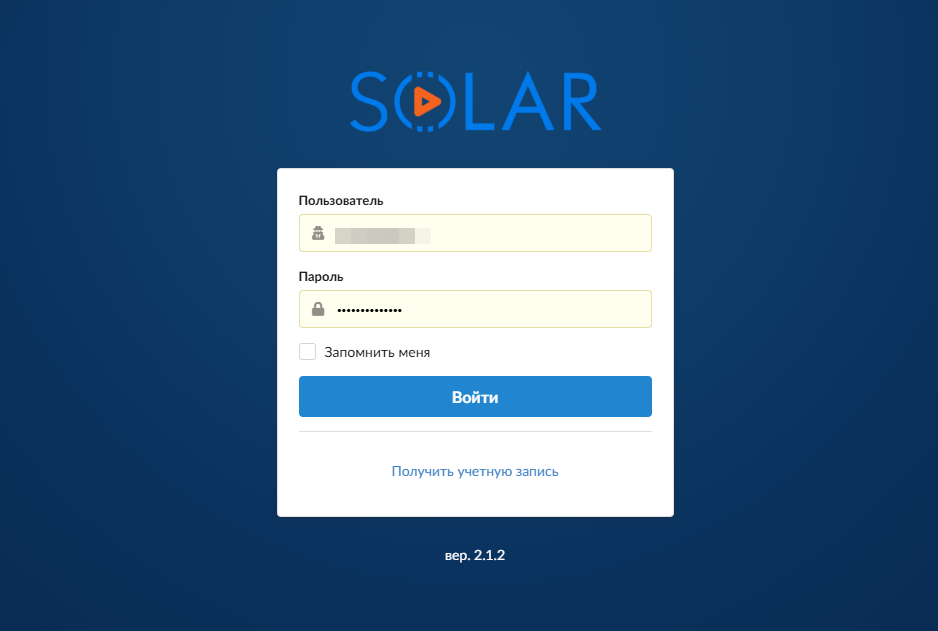
To create a Solar account, please follow the procedure below:
- Launch the COS Store bot.
- Navigate to the “Account” section.
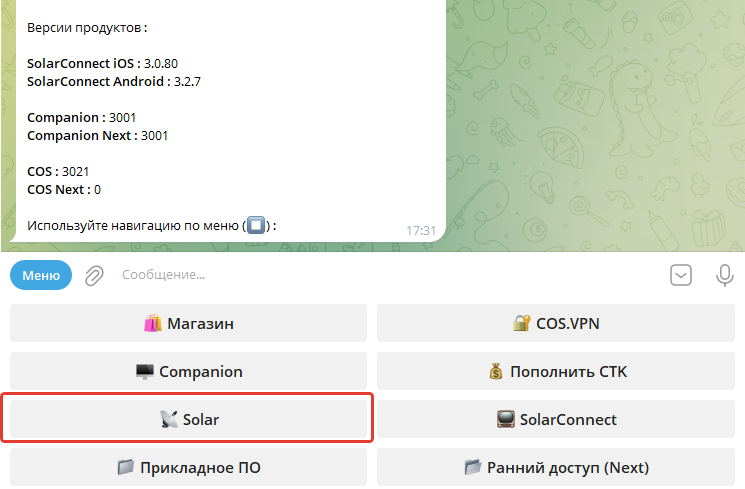
- In the account interface, select the “Solar” button.
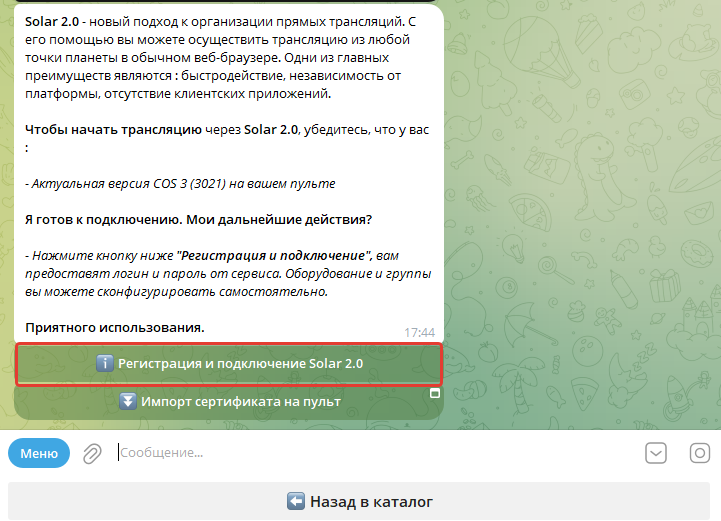
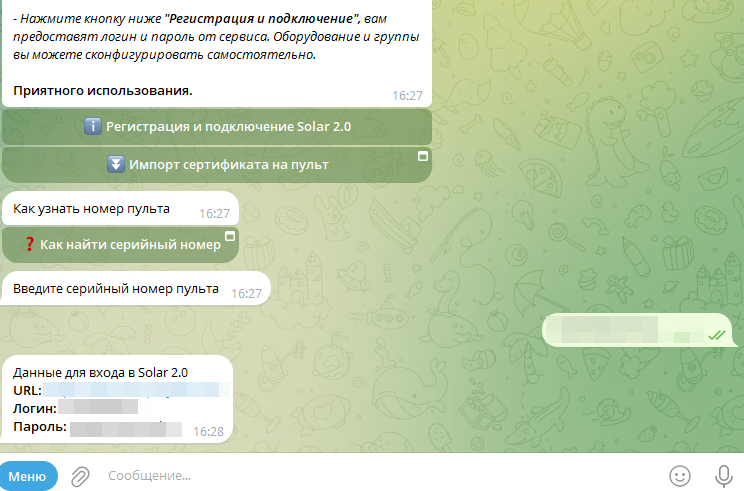
Select the option “Solar Registration and Connection.”
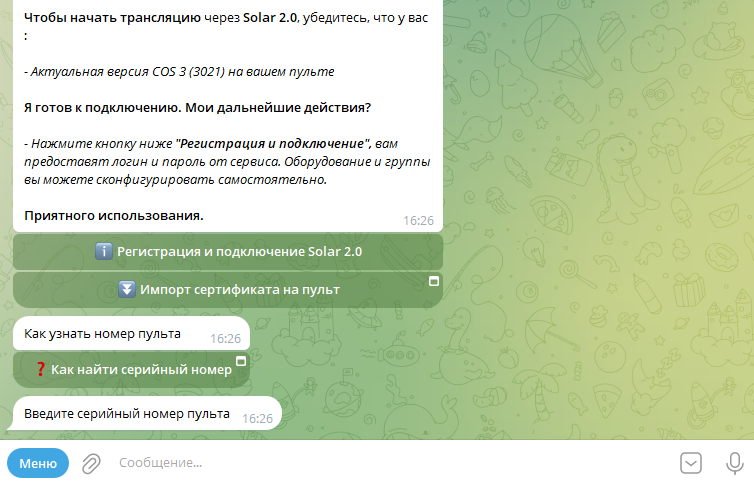
Enter the serial number of your provisioned controller. Please verify the number carefully, as accuracy is critical for successful activation.
System credentials (username and password) for your Solar account will be issued upon verification. These credentials will be automatically linked to your active Telegram account.
Ensure all prerequisites are met: your ONE 3 controller must run the latest firmware, and your network must provide a stable connection that meets the minimum speed requirements for streaming.