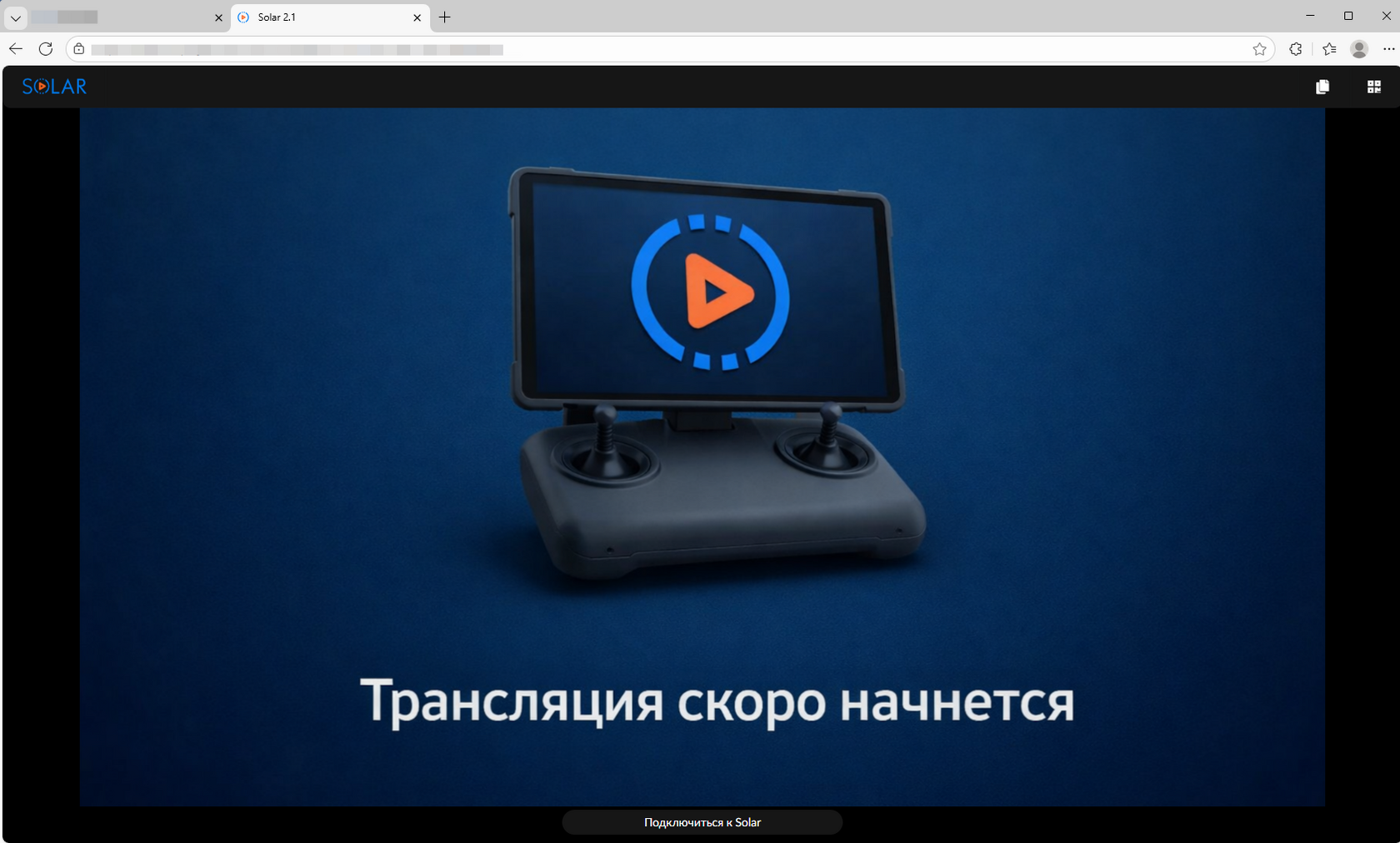
To watch a stream directly in a browser, paste the provided Solar public link into the address bar and press Enter.
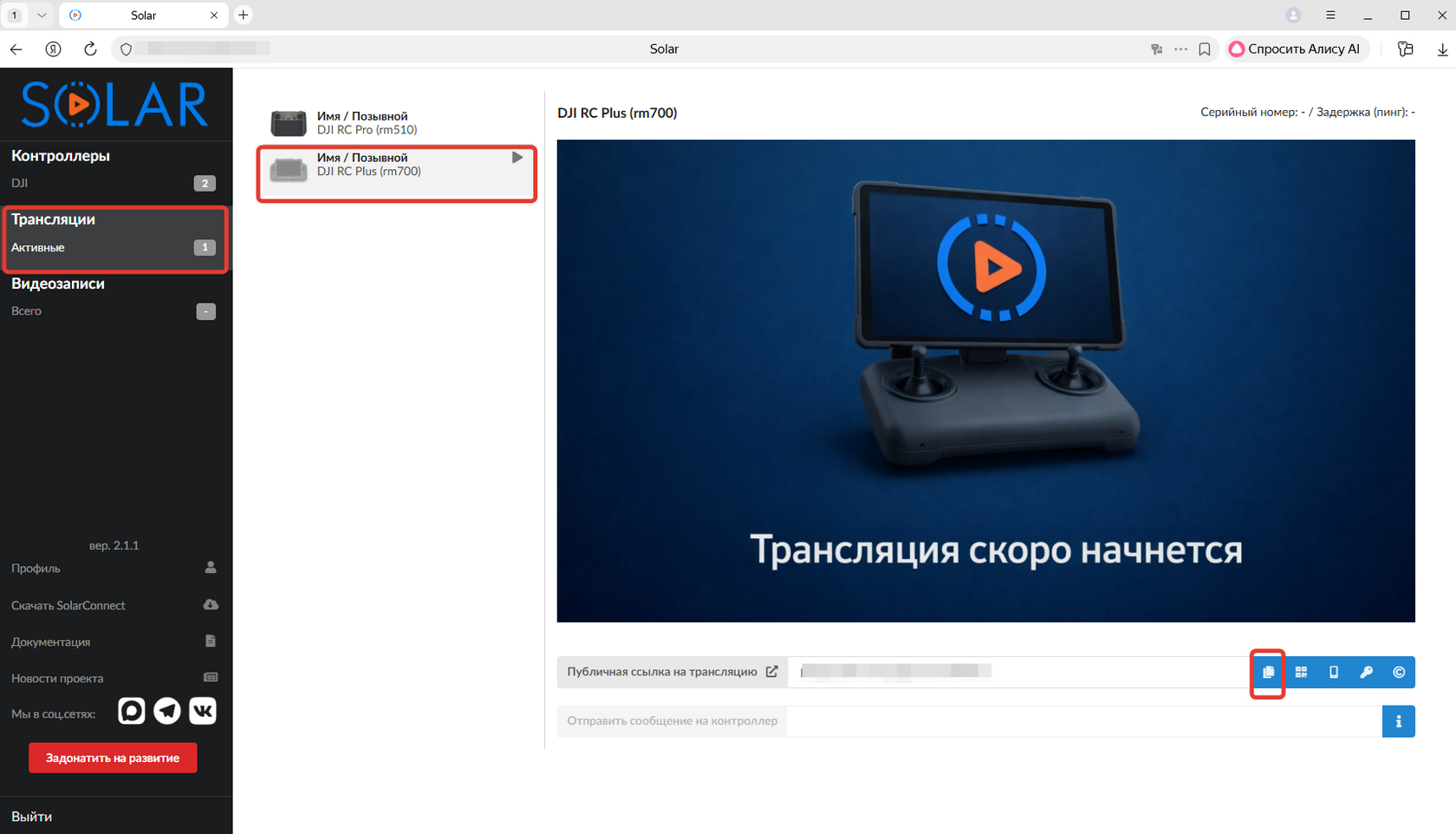
To obtain the public link for a specific stream, follow these steps:
- Access your Solar account.
- Navigate to the Streams section via the side menu.
- Locate the desired stream and select the copy icon adjacent to its link.
- Paste the copied URL into your browser's address bar and press Enter to begin playback.