Viewing streams through Solar Connect requires the installation of the dedicated mobile application for Android, Android TV, or iOS, which is available for download via the COS Store bot.
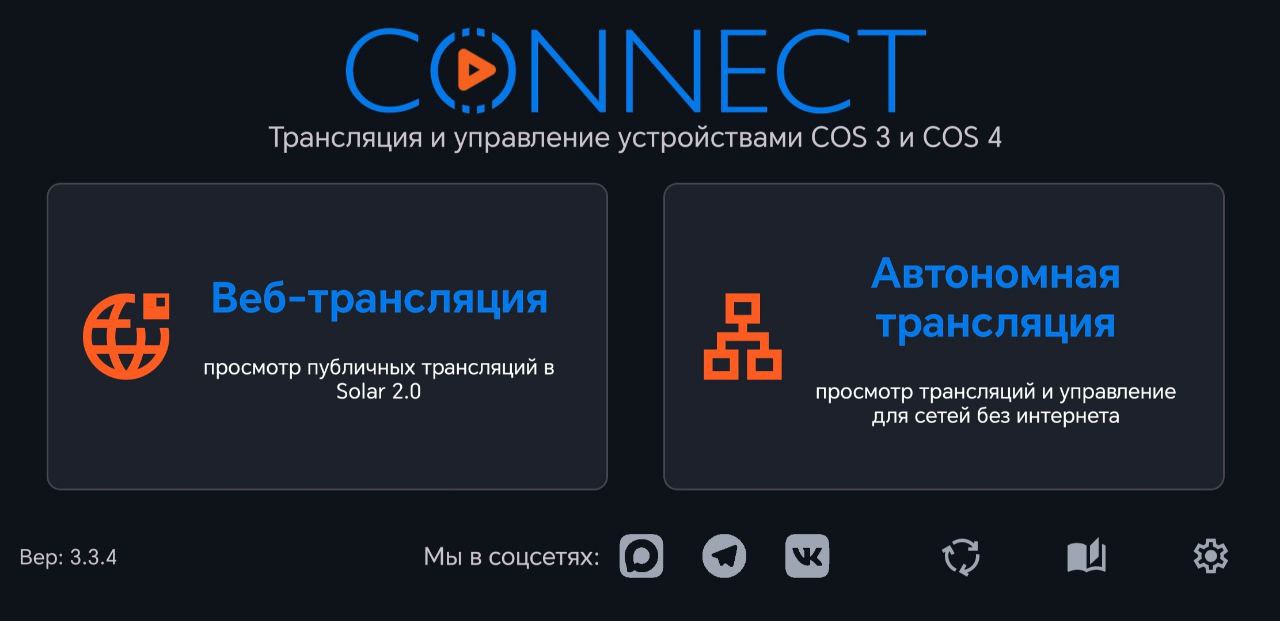
Launch the Solar Connect application and navigate to the Web Streaming section.
Launch the Solar Connect application and navigate to the Web Streaming section.
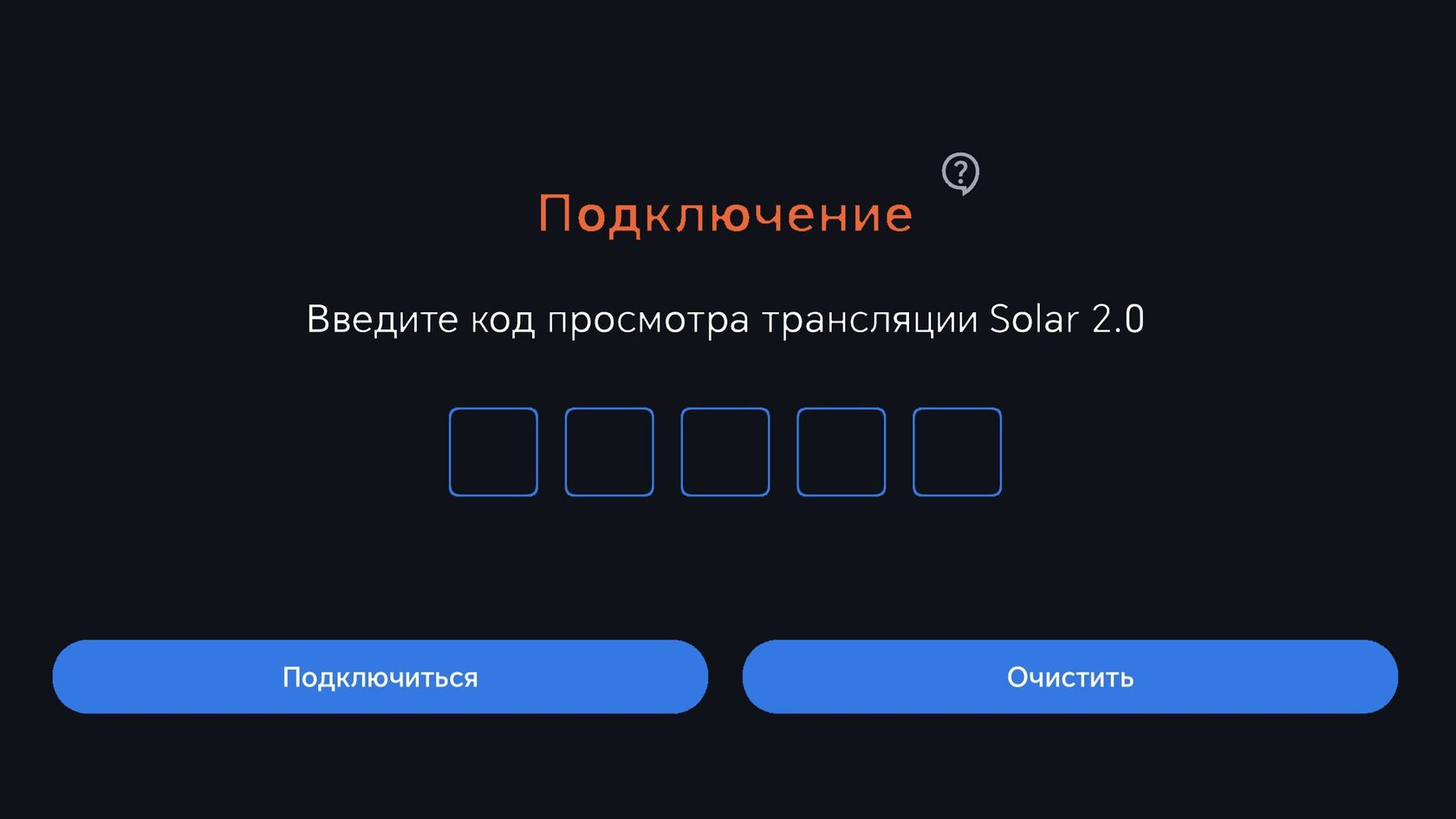
To access a stream, enter the unique 5-digit Solar access code to initiate playback.
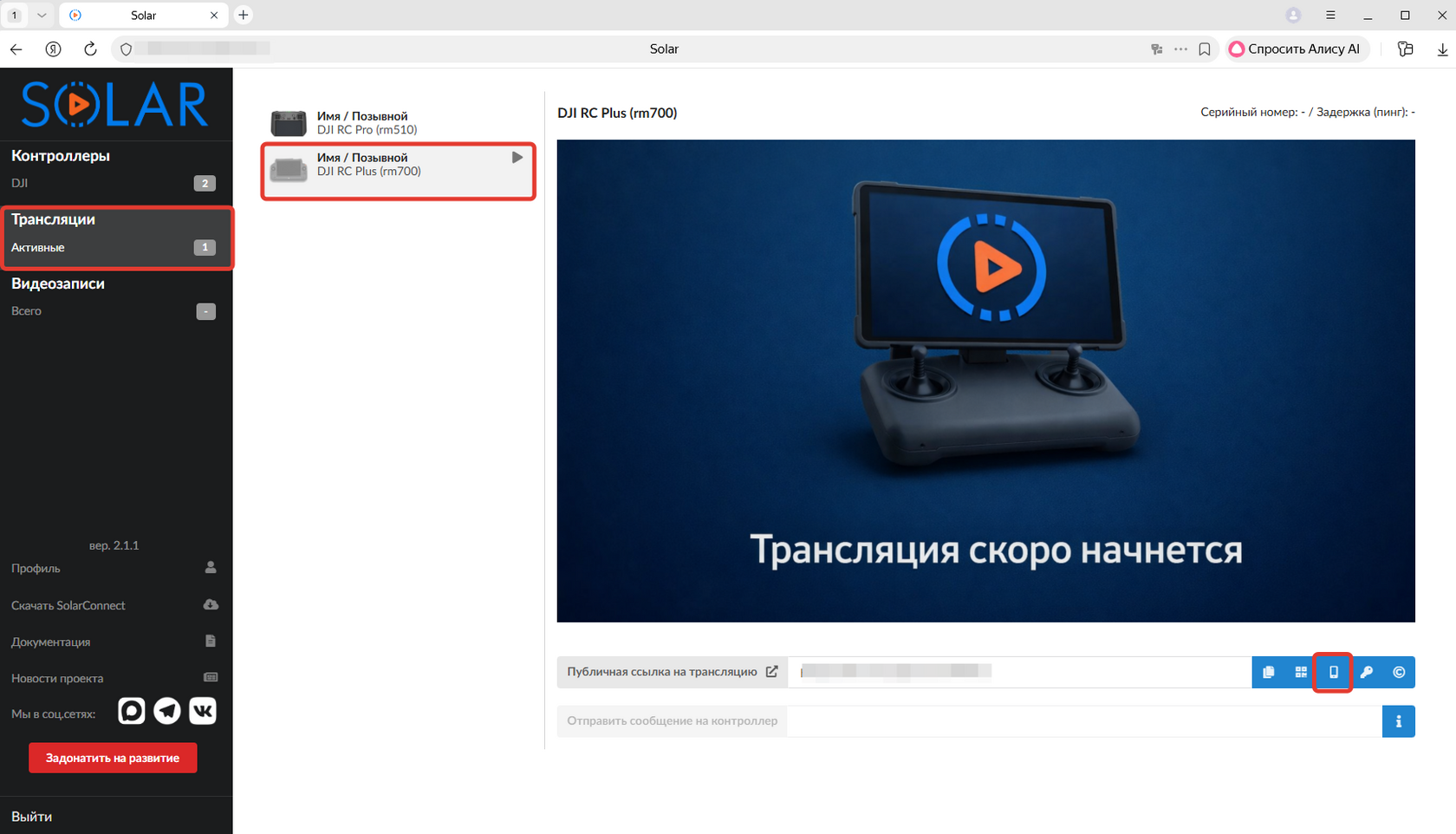
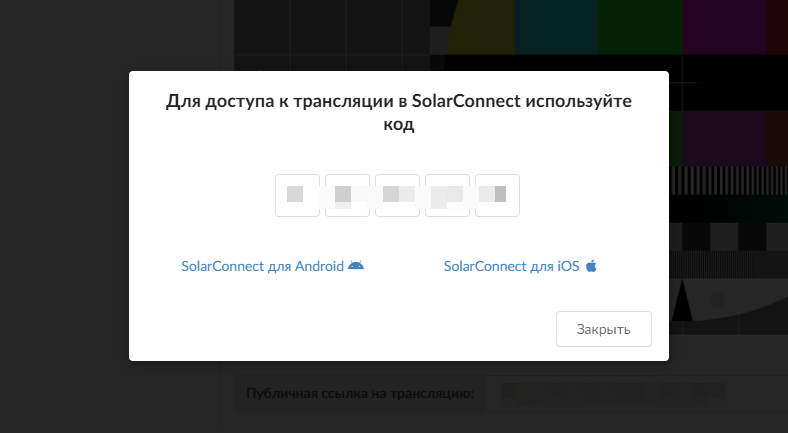
This access code can be found within your Solar account interface, located adjacent to the public stream link:
- Log in to your Solar account.
- From the side menu, select the "Streams" section.
- Identify the desired stream from the list.
- Click the phone icon next to the stream's public link.
- The generated 5-digit code is used for authentication within the Solar Connect application.