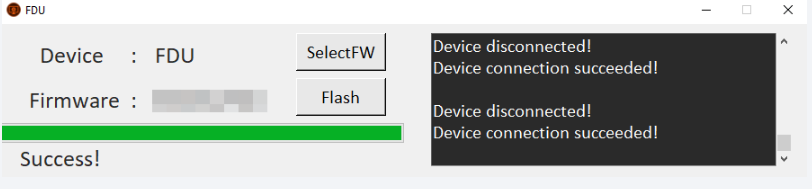
If the FDU utility does not detect your device or displays a "Writing Data Error," follow these steps in sequence:
Navigate within Companion → Tools → Install DJI Drivers.
%PROGRAMDATA%\FDU\backend.exe
Additionaly, ensure your USB cable and the USB port on your computer or device are functioning correctly, as a faulty connection is a common cause of such errors.
- Install Required Drivers:
Navigate within Companion → Tools → Install DJI Drivers.
- Launch the FDU firmware update program and allow it to load fully.
- Press Win + R, type the following command, and press Enter:
%PROGRAMDATA%\FDU\backend.exe
- Confirm the User Account Control (UAC) prompt if it appears.
- Close FDU.
- Reopen FDU.
Additionaly, ensure your USB cable and the USB port on your computer or device are functioning correctly, as a faulty connection is a common cause of such errors.