Using the DJI Fly App
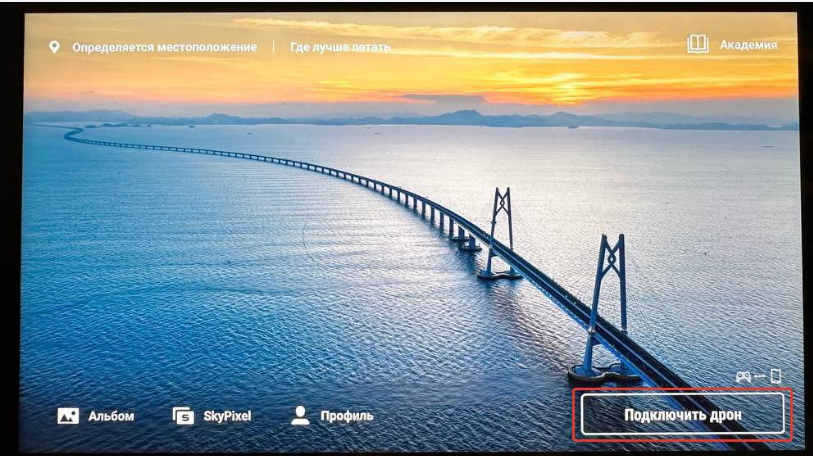
Open the DJI Fly app and tap “Connect Drone.”
Open the DJI Fly app and tap “Connect Drone.”
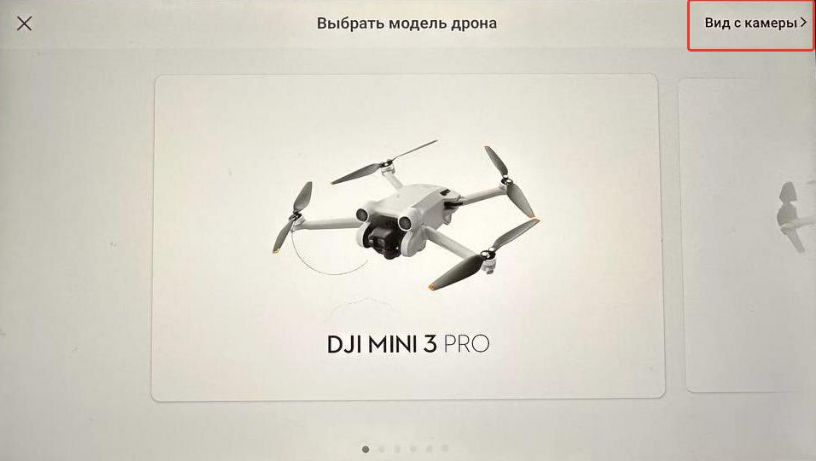
A section for selecting the drone model will open. Choose “Camera View.”
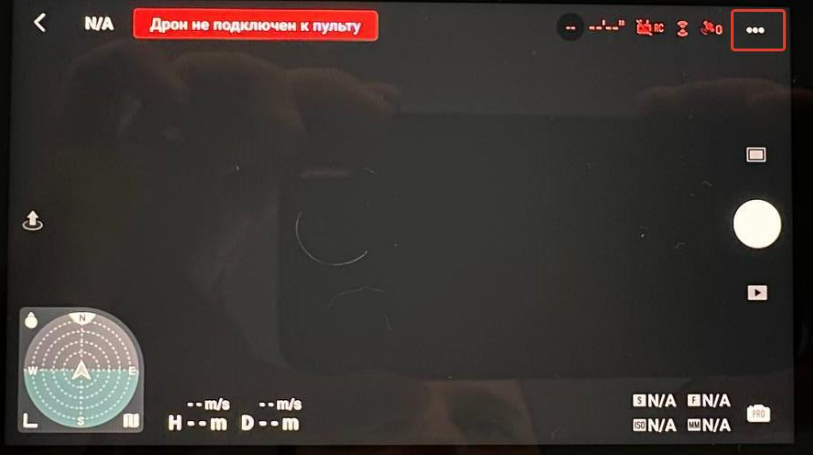
In the top-right corner, tap the three dots.
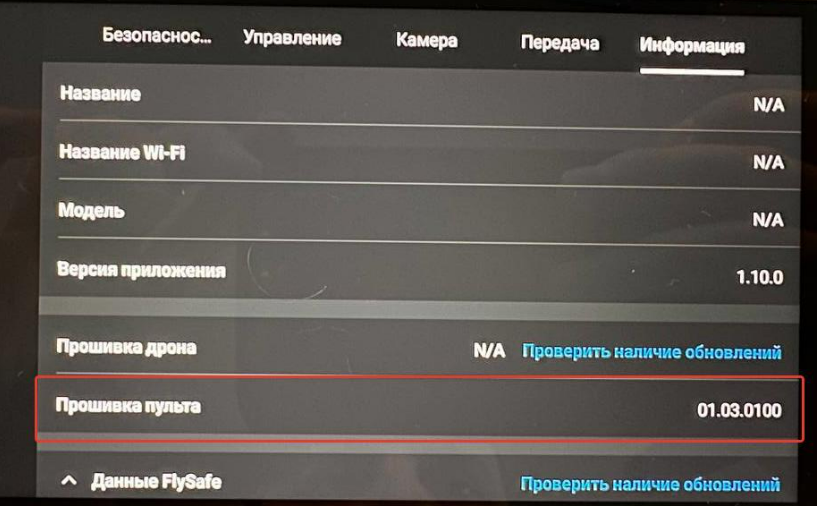
Navigate to the "Information" section and check the "Controller Firmware" entry.
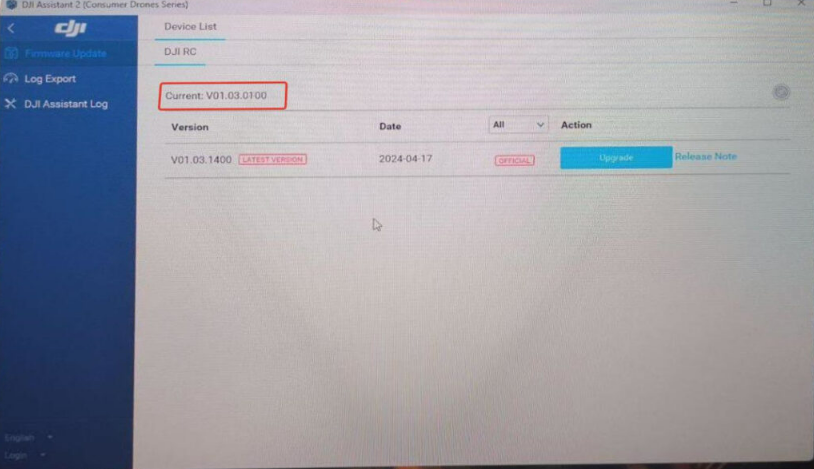
- Using DJI Assistant 2 Consumer
Open the DJI Assistant 2 Consumer application on your computer, connect the controller via USB, and the controller firmware will be displayed in the interface.